The Best Framer Mobile App Templates in 2026
Five Framer mobile app templates compared for founders who need phone mockups, feature sections, and social proof that actually drive downloads.


Your app's website works harder than the app store listing does
The App Store and Google Play both restrict how much you can say before someone downloads. Your own site doesn't have that ceiling. A good Framer mobile app template is built around that job: device mockups, a features grid, social proof, and a download CTA that shows up more than once. Five worth knowing.
1. Fusion — by Jurre
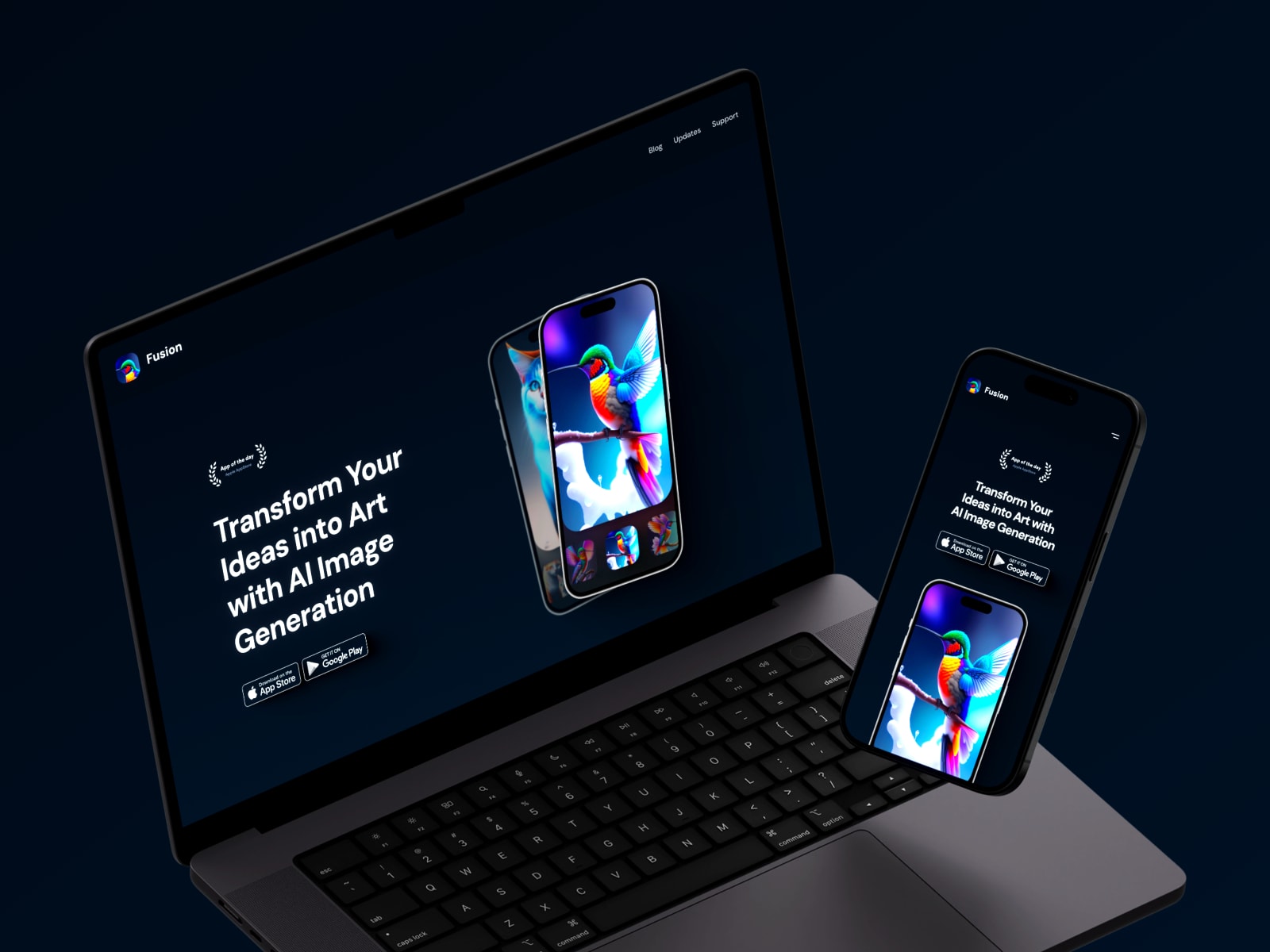
$49, built around the idea that your app's site is also a place to publish updates — full blog, feature-updates section, and FAQ support page.
Best for: Apps that want to keep publishing updates on their own site.
2. Vivid — by Thaer Swailem

Free and stripped to one purpose — demo, testimonials, pricing, CTA, nothing else competing for attention.
Best for: A fast, free download-focused page.
3. Fitframe — by Damir Cosic

Free, built specifically for fitness apps and coaching platforms, with CTA placement built around motivating action.
Best for: Fitness, wellness, and coaching apps.
4. Capable — by Praha

Free, light and modern, built to showcase mobile or web apps — hero, feature overviews, app screenshots, testimonials, pricing, and CTA.
Best for: A minimalist, general-purpose app landing page.
5. Necta — by Fayzora

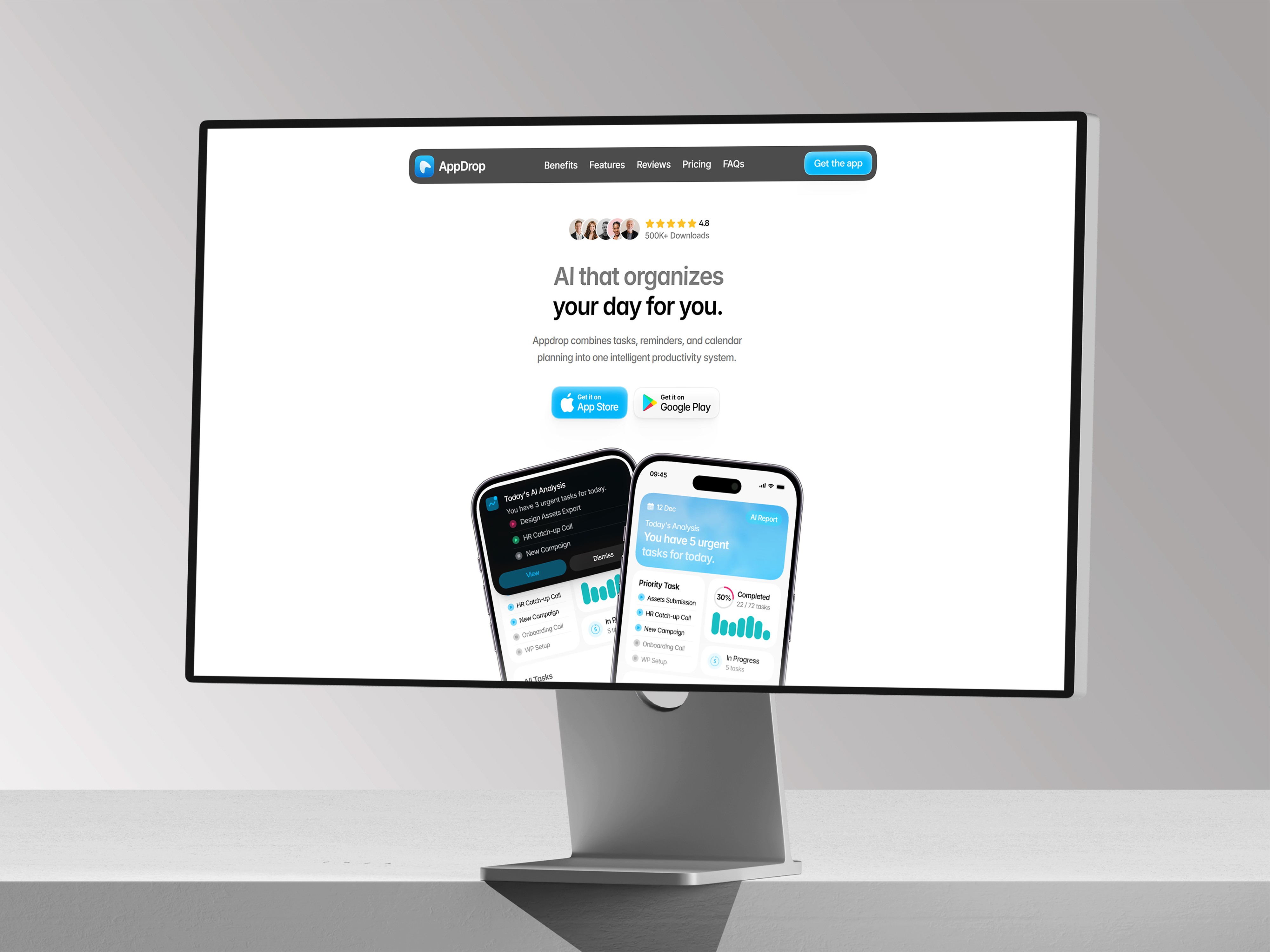
Ours. Lighter and more colorful than a dark SaaS template, with feature sections and FAQ blocks built in, flexible enough for finance, productivity, or health apps.
Best for: Consumer apps wanting a friendlier, less "enterprise" look.
How they compare
Template | Creator | Price | Best for |
|---|---|---|---|
Fusion | Jurre | $49 | Ongoing blog & changelog |
Vivid | Thaer Swailem | Free | Fast download page |
Fitframe | Damir Cosic | Free | Fitness & coaching apps |
Capable | Praha | Free | General minimalist app page |
Necta | Fayzora | Paid | Friendlier consumer apps |
Frequently asked questions
What should an app landing page include, at minimum?
A clear headline, a device mockup showing the real UI, 3-5 feature highlights, social proof, and download badges above the fold and near the bottom.
Do I need separate pages for iOS and Android?
No — all the templates here use a single page with both store badges side by side.
Can I connect these templates to my own app screenshots?
Yes — every template swaps images through Framer's standard components, no code required.
How to choose
Publishing regular updates: Fusion. Fast and free: Vivid. Fitness-specific: Fitframe. Minimalist and general-purpose: Capable. Friendlier consumer brand: Necta.