Core Web Vitals, Explained Without the Jargon
What Google actually measures when it judges your site's speed, and the fixes that move the needle most.

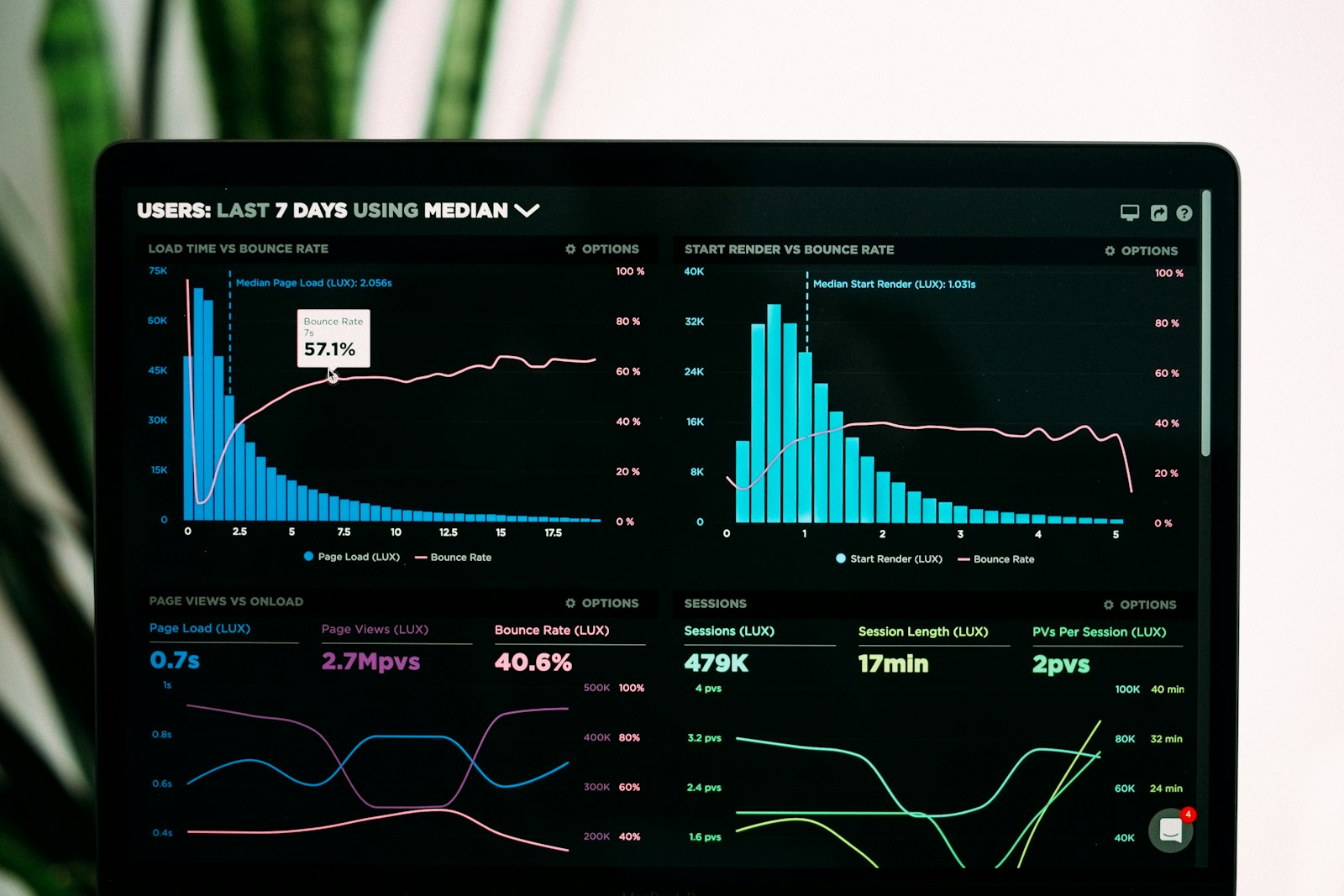
Your site can look perfect and still get punished for being slow
Somewhere along the way, Google decided that how a page feels to use should count toward how it ranks. That decision turned into three metrics with confusing names — Largest Contentful Paint, Interaction to Next Paint, and Cumulative Layout Shift — collectively known as Core Web Vitals. You don’t need to become an engineer to deal with them, but you do need to understand what they’re actually measuring, because vague advice like “make it faster” doesn’t tell you where to spend your time.
Here’s each one broken down into what it means for a real visitor, and what actually moves it.
Largest Contentful Paint: how long until the main thing shows up
This measures the time until the biggest visible element on the screen — usually your hero image or headline — has actually rendered. If it takes more than two and a half seconds, Google flags it, and more importantly, real people start bouncing. The most common cause on design-heavy sites is an oversized hero image. A four-megabyte photo behind your headline is the single biggest lever you can pull: compress it, and this number usually drops dramatically without you touching anything else.
Interaction to Next Paint: how responsive the page feels
This tracks the delay between someone tapping a button or link and the page actually responding. It’s less about load time and more about whether the page feels alive once it’s loaded. Heavy animations, autoplaying videos, and third-party embeds (chat widgets, trackers, popups) are usually the culprits. If a page feels sluggish to interact with even after it’s loaded, look at what’s running in the background — it’s rarely the design itself.
Cumulative Layout Shift: does the page jump around while loading
You know the feeling: you go to tap a button and an ad or image loads in above it, and suddenly you’ve clicked the wrong thing. That’s layout shift, and it’s measured directly. It almost always comes from images or embeds that don’t have a reserved size, so the page has to shove things around once the content actually arrives. Give your media fixed dimensions or aspect ratios and this number calms down fast.
Where to actually spend your time
Start with your images. Compress everything, especially anything above the fold, and avoid dropping in camera-resolution files just because they looked convenient. Next, audit your embeds — every chat widget, tracking script, and autoplay video you add is a small performance tax, and they add up fast. Finally, check your heaviest pages specifically, not just your homepage; a bloated blog template or product page can quietly drag your whole site’s reputation down even if your homepage is lean.
Measure it with real tools, not vibes
Run your live URL through PageSpeed Insights or check the Core Web Vitals report in Search Console. Both give you real numbers instead of a gut feeling, and Search Console in particular shows you what actual visitors experienced, not just a lab simulation. Fix the worst offender, re-test, and repeat. It’s a short list most of the time — a heavy image, a bloated embed, an unset image dimension — and clearing it usually takes an afternoon, not a redesign.
Speed is a feature, not a chore
It’s easy to treat performance as the boring homework you do after the design is done. Flip that around and it becomes part of the design itself — a fast site feels more trustworthy, converts better, and gets found more easily. None of the fixes above require code. They require attention, and about an hour with the right report open.