Monitor: A Dark, High-Contrast SaaS Template
How Monitor uses contrast, motion, and product visuals to sell a product in seconds.


A dark SaaS template that actually points somewhere
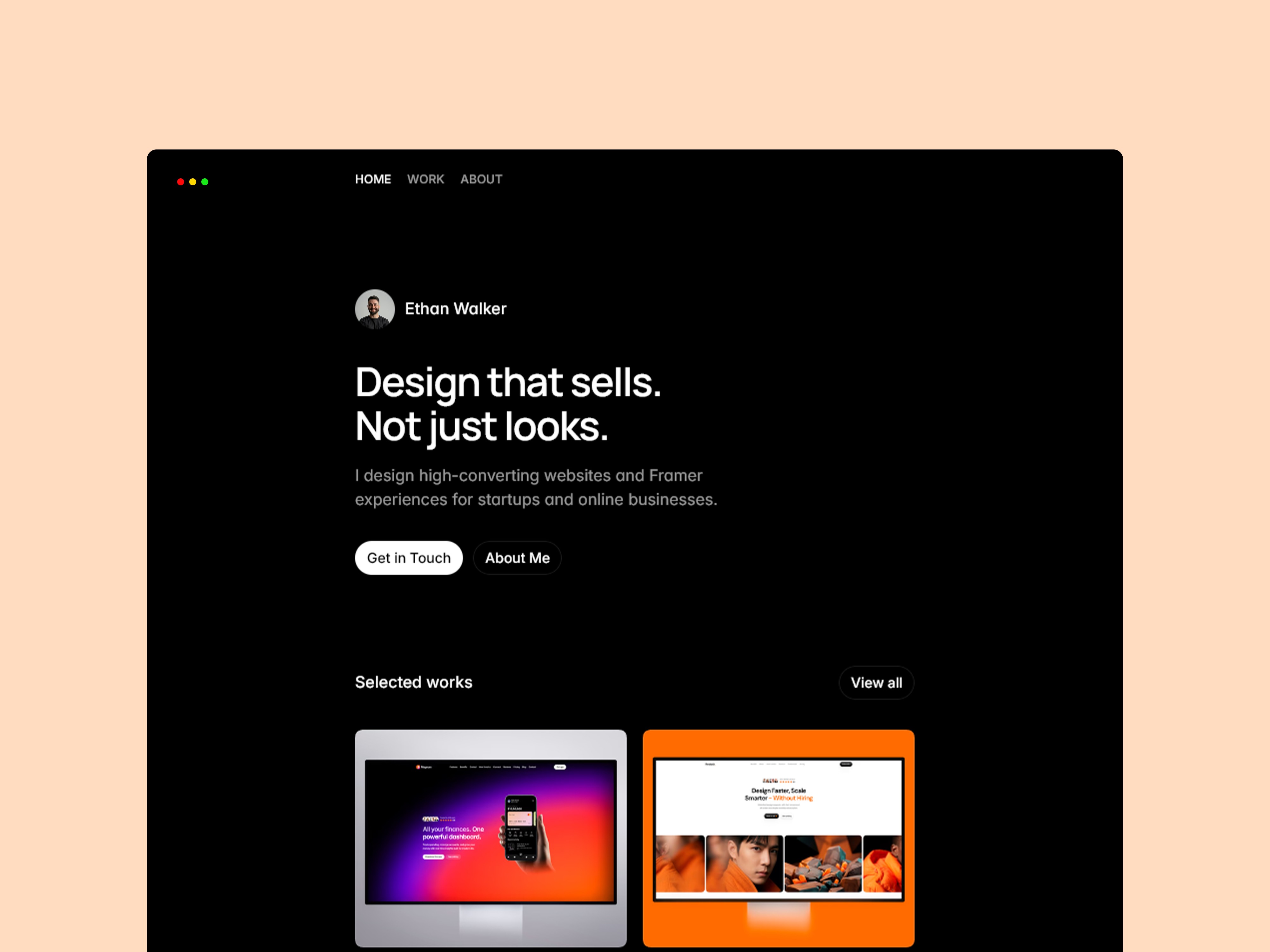
Plenty of templates go dark because it looks cool. Monitor goes dark because it works. On a near-black background, a product screenshot stops being decoration and starts being the thing your eye lands on. Every accent colour has somewhere to point, and the whole layout is quietly herding visitors toward one decision: try the thing. That sense of direction is the difference between a page that looks like a SaaS site and one that actually converts like one.
We pulled Monitor apart to see why it feels so deliberate, and most of it comes down to discipline — about contrast, about motion, and about saying one thing at a time. Here’s what’s worth borrowing whether you use the template or not.
Contrast as a way of telling people where to look
The palette is mostly dark and restrained, with accent colour used like a spotlight rather than paint. Because so little of the page is bright, the bits that are bright carry real weight — the primary button, a key metric, the product UI itself. Nothing competes for attention, so attention goes exactly where you want it. It’s a simple idea that’s surprisingly hard to hold to once you start adding sections.
Product visuals treated like the hero, not an afterthought
Monitor builds its sections around the product shots instead of squeezing them into leftover space. There’s room for a real screenshot, a subtle frame to lift it off the background, and enough surrounding calm that you actually study it. If you’re selling software, this matters: people want to see the thing before they believe the claims about it.
Motion that adds polish without slowing you down
There’s some movement on scroll, but it’s the restrained kind — elements ease in, nothing bounces around or hijacks the page. That balance is genuinely hard to strike. Too little and the site feels static; too much and it feels like a toy. Monitor lands in the sweet spot where the motion reads as quality rather than gimmick, and crucially it never gets in the way of someone trying to read.
A structure that’s already built to convert
The page order isn’t random. It opens with a clear value proposition, shows the product, backs it up with proof, handles the obvious objections, and keeps the same primary action in view the whole way down. You could rewrite every word and the persuasive flow would still hold, because the bones are doing the work. That’s the part most people underestimate when they judge a template by its looks.
Making it yours without breaking the flow
Because the structure carries the persuasion, customizing is low-risk. Drop in your own copy, swap the screenshots for your real product, adjust the accent colour to match your brand, and the page keeps its momentum. You’re changing the content, not rebuilding the argument, which is exactly what you want from a launch-ready template.
When to reach for Monitor
If you’ve got a product to sell and a screenshot worth showing, this is a strong starting point — especially if you want that confident, modern, dark-mode feel without engineering it from scratch. If your product is better explained with light, airy, friendly visuals, a darker template might fight your tone. Match the mood to what you’re selling and Monitor will do a lot of the heavy lifting for you.
Ready to take a closer look? Explore the Monitor template and see it in action.