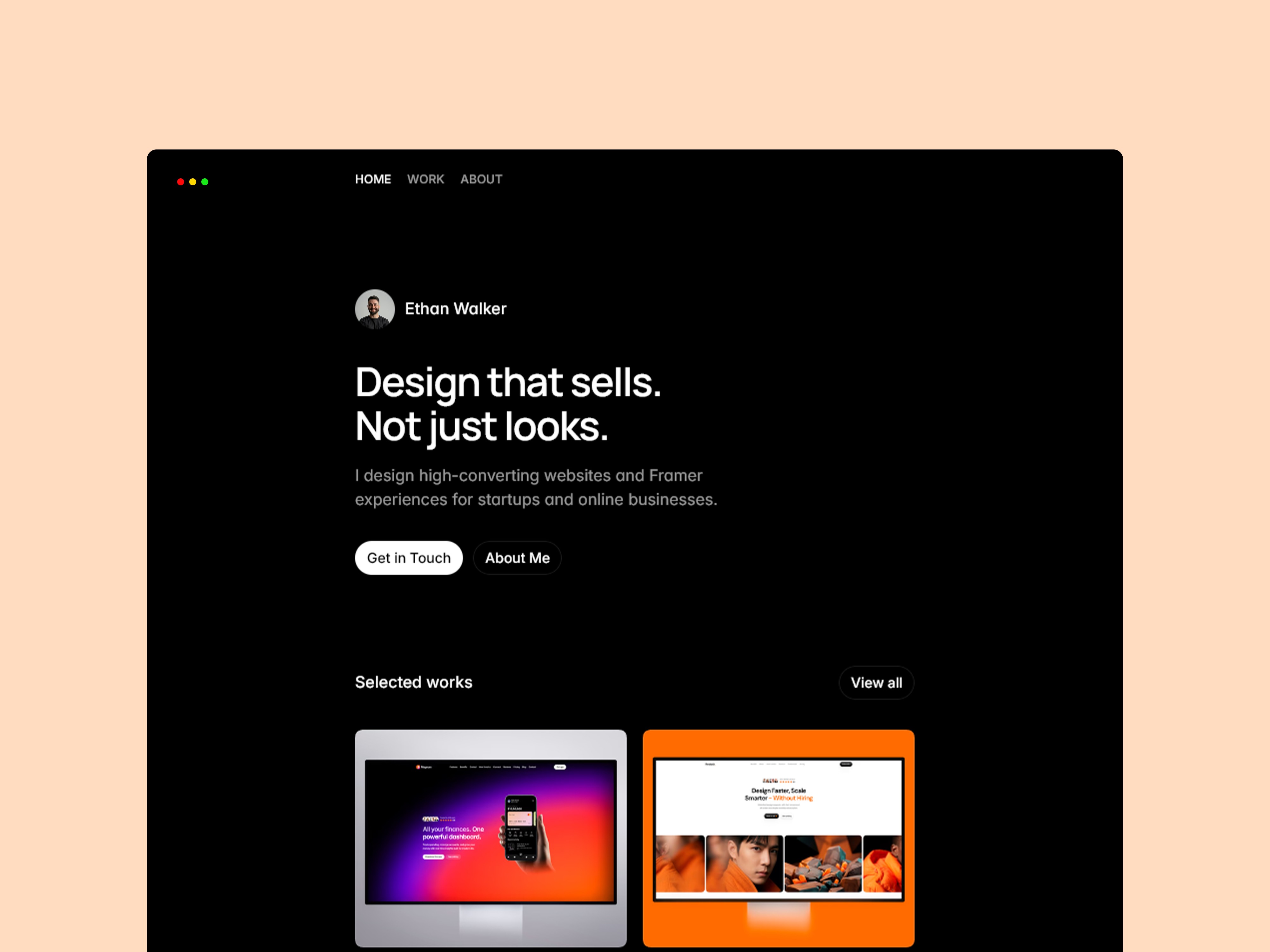
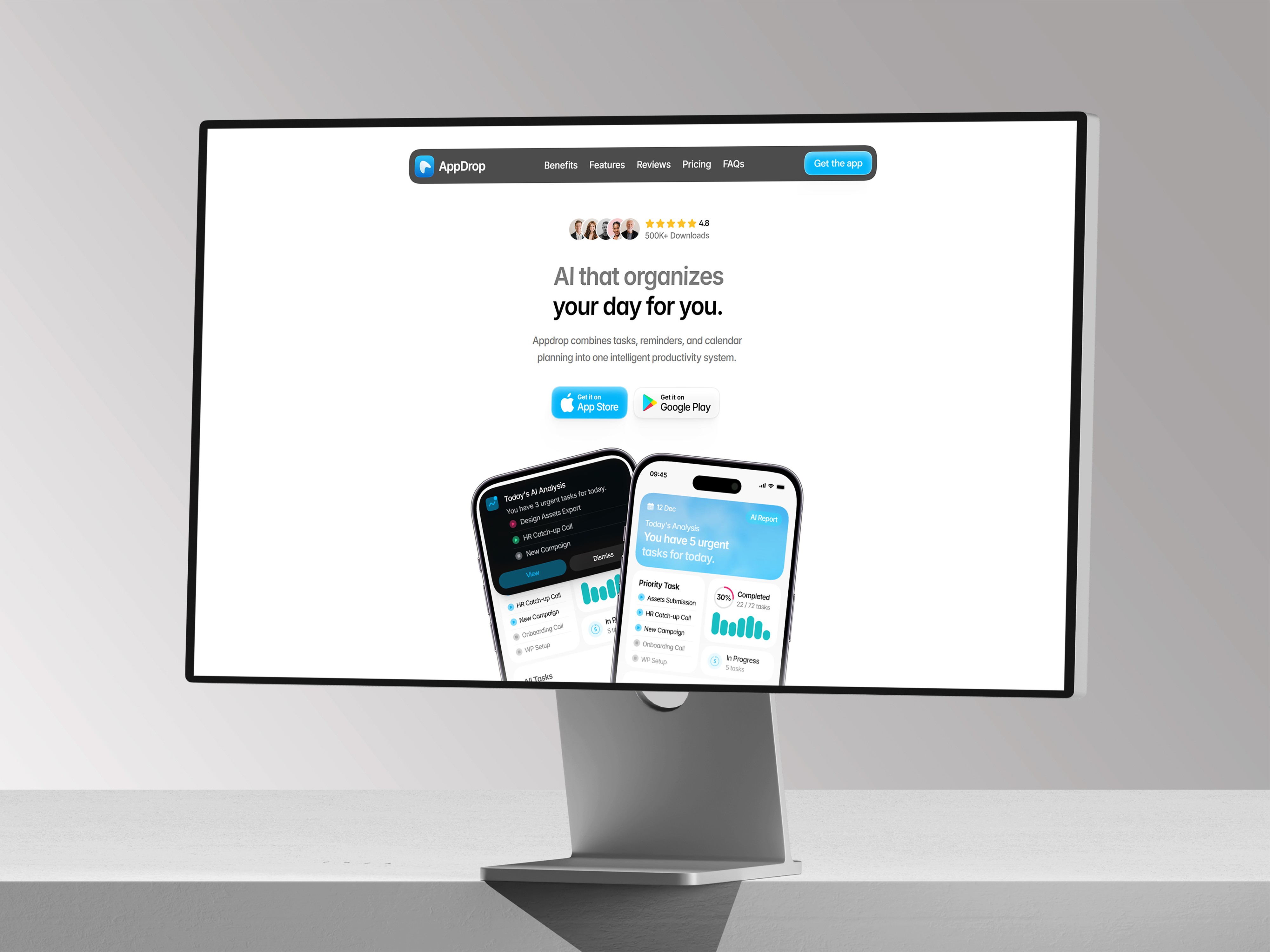
Presenting Product Screenshots So They Actually Sell
A raw screenshot rarely does your product justice. Here's how to frame it so it actually persuades.

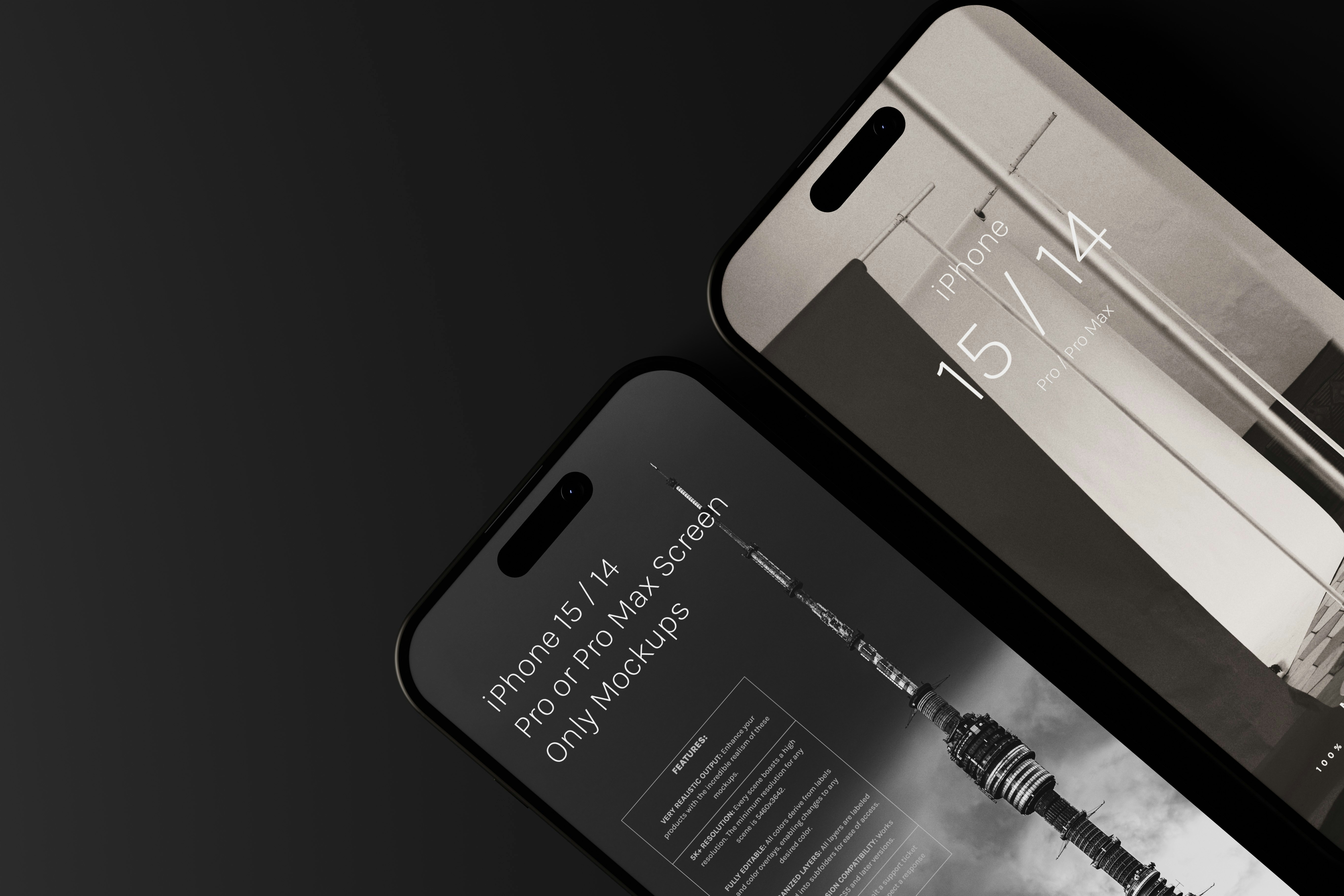
A raw screenshot is evidence. A framed one is a pitch
Dropping an unedited screenshot straight into a landing page technically shows the product, but it rarely sells it. The browser chrome is distracting, the state shown might not be the most flattering one, and there’s no visual hierarchy guiding the eye to what actually matters. A little intentional framing turns the same screenshot into something that does real persuasive work.
Show the best state, not the default state
A brand-new account with no data looks empty and unconvincing. Populate the screenshot with realistic, ideally impressive sample data before capturing it. You want visitors to see what a successful, active user’s experience looks like, not the blank slate everyone starts from.
Crop tightly around what actually matters
Full browser chrome, bookmarks bars, and unrelated menu items add visual noise that competes with the part of the interface you actually want someone to notice. Crop in on the meaningful area, or use a clean device frame that removes the clutter entirely.
Give it room to breathe against the background
A screenshot dropped flush against a busy background fights for attention instead of standing out. A subtle shadow, a soft glow, or simply generous surrounding whitespace lifts the product visually off the page and signals that this is the thing you’re meant to look at.
Annotate sparingly to point at the win, not the whole interface
A small callout pointing at one specific result — a number, a feature, a state change — helps visitors know what they’re supposed to notice instead of scanning the whole image trying to figure it out themselves. Use this sparingly; one or two callouts land far better than an image cluttered with arrows and labels everywhere.
Keep it current, and re-shoot after real redesigns
A screenshot showing an old interface version is a small but real credibility hit for anyone who then sees the actual current product looks different. Treat your marketing screenshots as something to revisit whenever you meaningfully change the interface they’re depicting.